Compliance
Compliance inspection tracking for campus facilities
Track every code-required inspection, who did it, the result and the certificate, then produce the report for a fire marshal or an insurer without assembling binders by hand.
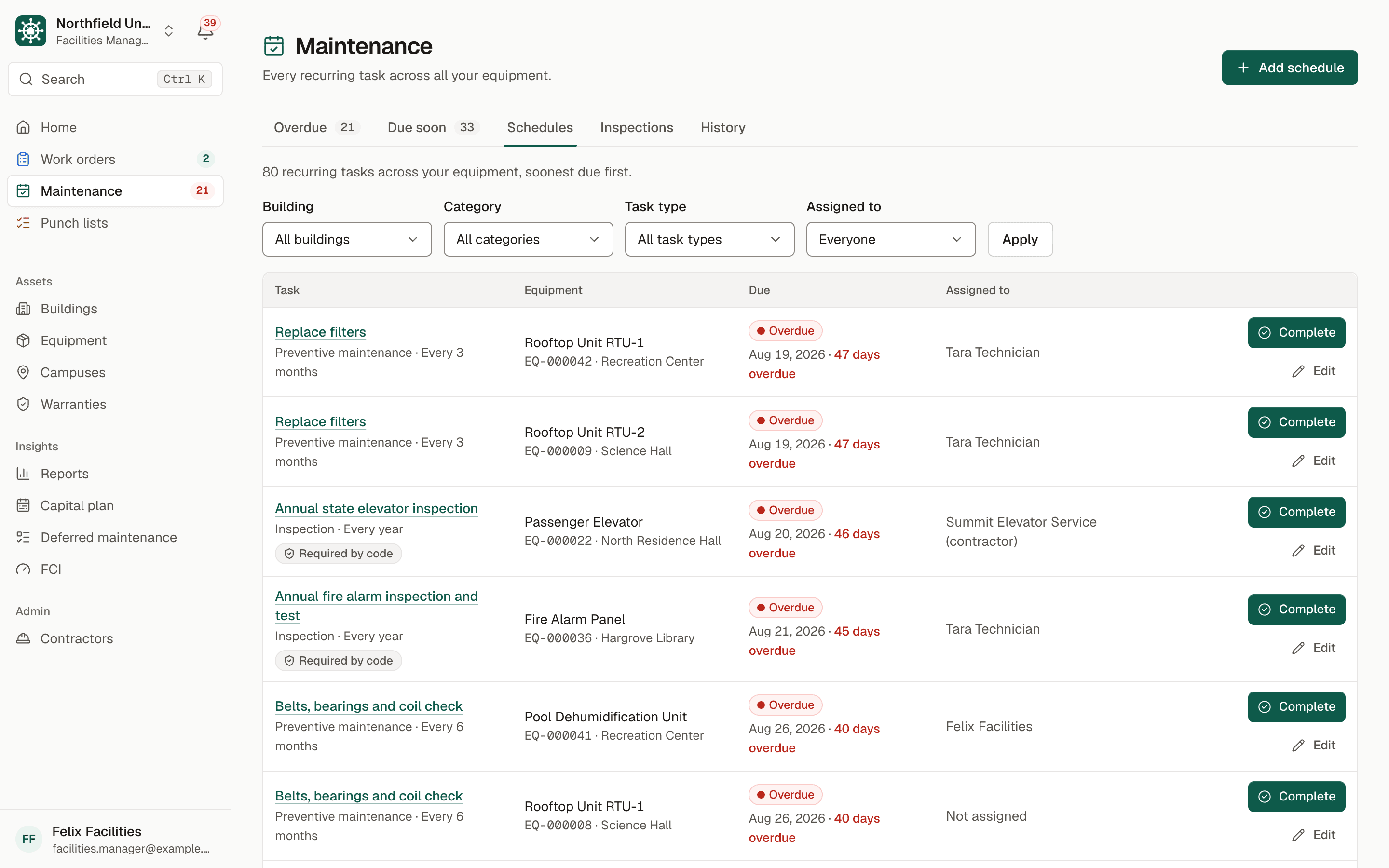
Sample data. Northfield University is a fictional campus.
The problem
Inspection records scattered across binders and calendars
Fire extinguishers, fire alarms, sprinklers, backflow preventers, elevators, emergency generators and emergency lighting each have their own inspection cadence and their own governing authority. On many campuses the due dates live in someone's calendar, the certificates in a binder and the results in a vendor's email.
When a fire marshal or an insurer asks for the records on a building, assembling them takes days: find the last inspection, find who did it, find the certificate, and hope nothing expired in the meantime.
Two clocks are easy to confuse. The inspection has a due date, and the certificate it produced has its own expiration. A failed inspection also needs to reach the right person immediately, not at the next review meeting.
How BldgHelm handles it
Inspections as scheduled work, with the evidence attached
Compliance in BldgHelm is not a separate silo. Code-required inspections are maintenance schedules with extra fields, so they use the same reminders, assignments and history as everything else.
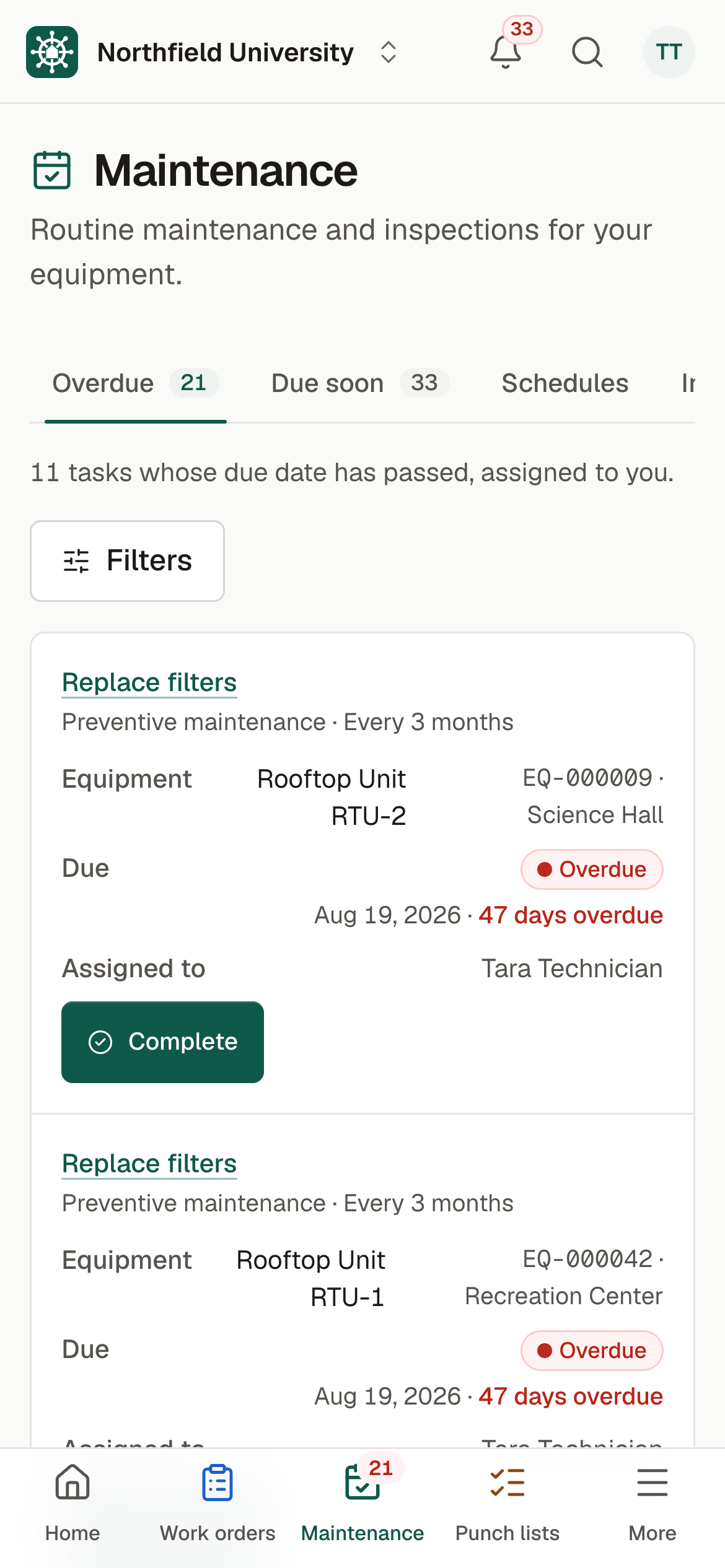
Flag code-required schedules
Mark any schedule as required by code and record the governing authority and the certificate expiration. You decide which inspections apply to your campus.
Results on every inspection
Each inspection is logged with its date, who did it (a technician or a contractor company) and a result of Pass, Fail or Needs follow-up, with notes and photos.
Certificates attached
Attach certificate files to the inspection log or the equipment record. Files are private and shown only through links that expire.
Failed inspections reach managers immediately
When an inspection is logged as Fail, facilities managers are notified at once. From there it can become a work order.
Overdue and due-soon alerts
Daily reminders by email and in the app cover inspections coming due and overdue, using the same preventive maintenance engine.
A one-click compliance report
Choose a building or a category and get every code-required schedule with its authority, frequency, last inspection date, result, who did it, next due date, certificate expiration and certificates.
Statuses computed from dates
Each item is Overdue, Due soon (within 30 days) or Current, and certificates are flagged when expired or expiring within 60 days. Nothing is typed in by hand.
PDF and Excel
The PDF has a cover page with the organization, scope, date, summary and signature lines, then the register by building. The Excel file has Summary, Inspections and Certificates sheets.
An audit trail
Every create, change and archive is recorded with who, when and the before and after values. Nothing is hard-deleted.
How it works
From setup to a working routine
Step 1: Tag the inspections that matter
Open each piece of equipment and mark its inspection schedules as required by code, with the authority and certificate expiration.
Step 2: Assign them
Give each to a technician or to a contractor company with the right license.
Step 3: Complete with a result and certificate
Log the inspection, choose Pass, Fail or Needs follow-up and attach the certificate.
Step 4: Watch the register
Use the Overdue and Due soon lists and the daily reminders to stay ahead of the calendar.
Step 5: Run the report on demand
Export the PDF or Excel report for the building or category an auditor asks about.
The register rolls up into the same records that drive facility condition and capital planning. Request a demo to see a compliance report built from sample data.
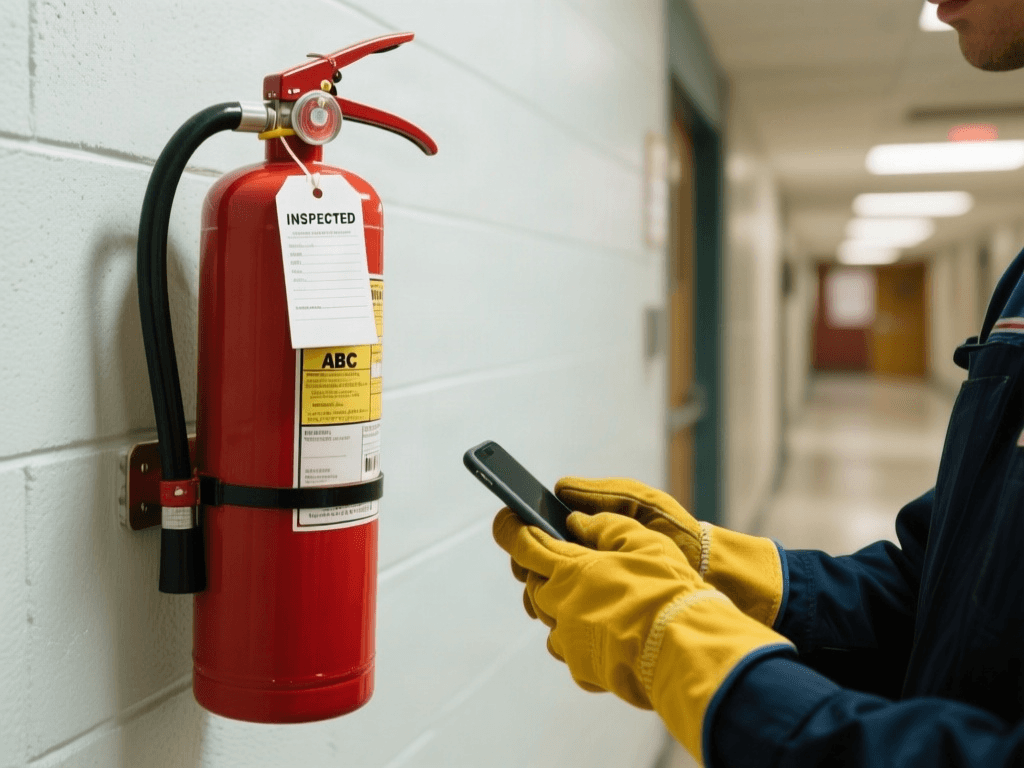
Illustrative photo.
Who uses it
Built for everyone who touches a building
Facilities directors and managers
Facilities managers and safety staff tag requirements, watch the register and hand the report to inspectors and insurers.
Technicians
Technicians complete in-house inspections on a phone, record the result and attach photos or certificates.
Contractors
Licensed vendors log inspection results and certificates for the equipment they service, and see only their assigned tasks.
Finance and leadership
Viewers and risk staff can read the register and reports without being able to change a record.
FAQ
Frequently asked questions
What is compliance inspection tracking?
Does BldgHelm tell us which inspections the code requires?
What is in the compliance report?
How are failed inspections handled?
Is BldgHelm SOC 2 certified?
Keep reading
Related solutions
- Preventive maintenanceRecurring schedules, reminders and a clear list of what is overdue.Read more
- Contractor portalOne vendor login across campuses, with access limited to assigned work.Read more
- Campus work ordersQR-code reporting, a single queue, and every job tracked to closing.Read more
- Facilities management softwareThe whole platform: every building, asset, repair and inspection on campus.Read more
See your campus in BldgHelm.
A walkthrough of the three workflows with sample data, and a plan for bringing over your buildings, equipment and schedules.
Already a pilot campus? Create your account.