Solutions for campuses
Higher education facilities management software
BldgHelm is facilities management software built for colleges and universities. It keeps every building, room and piece of equipment in one record, and runs your work orders, preventive maintenance, punch lists, contractors and capital plan from it.
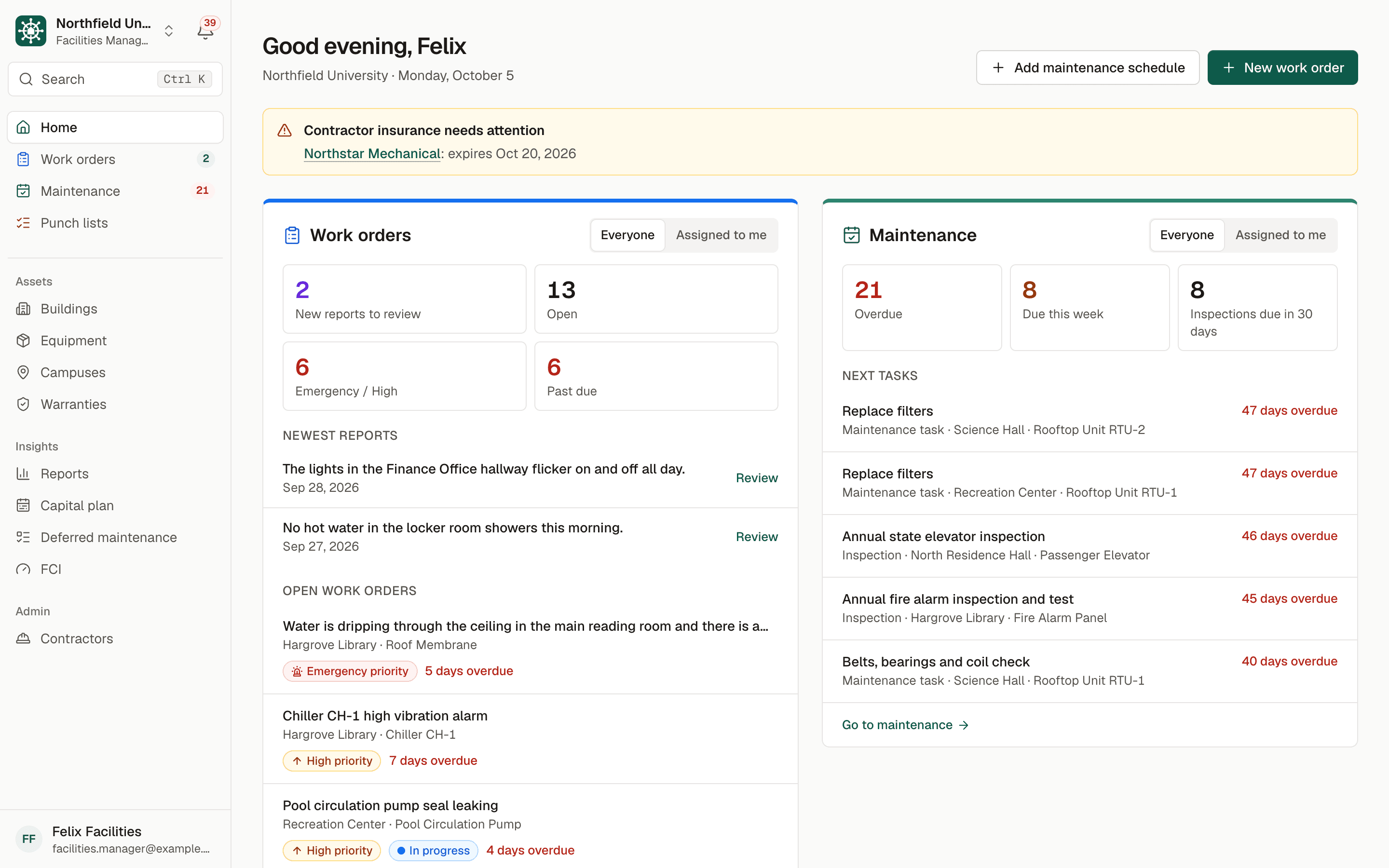
Sample data. Northfield University is a fictional campus.
The problem
Why campuses outgrow spreadsheets and generic tools
A campus is not a factory or a single office tower. It is dozens of buildings from different decades, residence halls that turn over every summer, labs and kitchens with their own inspection requirements, and a facilities staff that is never quite large enough. The people reporting problems will never be trained on your system.
Most facilities departments cope with a patchwork: one spreadsheet for equipment, another for preventive maintenance, email for repair requests, a binder of inspection certificates and a phone call to the elevator vendor. Each piece works until the person who keeps it up leaves, and questions like how much deferred maintenance the campus carries take days to answer.
Generic maintenance software is often built around one plant and a trained requester. Campus teams need a request form anyone can use without an account, contractors who work for several campuses, and the capital planning numbers that boards ask for.
How BldgHelm handles it
One record for the whole campus, and the work done against it
BldgHelm organizes everything around a four-level space tree: campus, building, floor and room. Equipment, warranties, punch items and work orders attach to it, so every record answers where, what and what happened before.
Work orders
Students and staff report problems from a QR code or a campus link with no account. Your team approves, assigns and tracks each one to closing. See campus work order software.
Preventive maintenance
Recurring schedules by days, weeks, months or years, overdue alerts and an on-time completion rate. See preventive maintenance software for universities.
Punch lists
Walk a residence hall or a renovation, capture items with photos and close them out with a manager's verification. See punch list software for facilities.
Contractor portal
Vendors log work from their phones with one login across every campus they serve, and see only what is assigned to them. See the contractor portal for facilities.
Capital planning and FCI
Replacement cost estimates, a deferred maintenance backlog and the Facility Condition Index by building. See facility condition index and capital planning.
Compliance records
Code-required inspections with results and certificates, and a report ready for a fire marshal or an insurer. See compliance inspection tracking.
Warranties
Coverage tracked to the day, reminders at 90, 60 and 30 days before it ends, and a "may be under warranty" banner before anyone pays for a covered repair.
How it works
From setup to a working routine
Step 1: Import your campus
Upload buildings, floors, rooms and equipment as CSV or Excel. A preview flags problems before anything is saved.
Step 2: Label what you maintain
Print QR labels for rooms and equipment on standard label sheets. A scan opens the asset for staff, or the report form for everyone else.
Step 3: Set the schedules
Add recurring maintenance and code-required inspections to equipment, and assign them to technicians or contractor companies.
Step 4: Invite your team and your vendors
Give each person the role that fits: Owner Admin, Facilities Manager, Technician or read-only Viewer. Invite contractor companies by email.
Step 5: Run the day from one place
Work moves through the queue, reminders go out daily, and the capital plan and compliance reports come from the same records.
A guided checklist in the app walks your team through setup. Request a demo and we will show the workflows with sample data and talk through how your spreadsheets would come across.

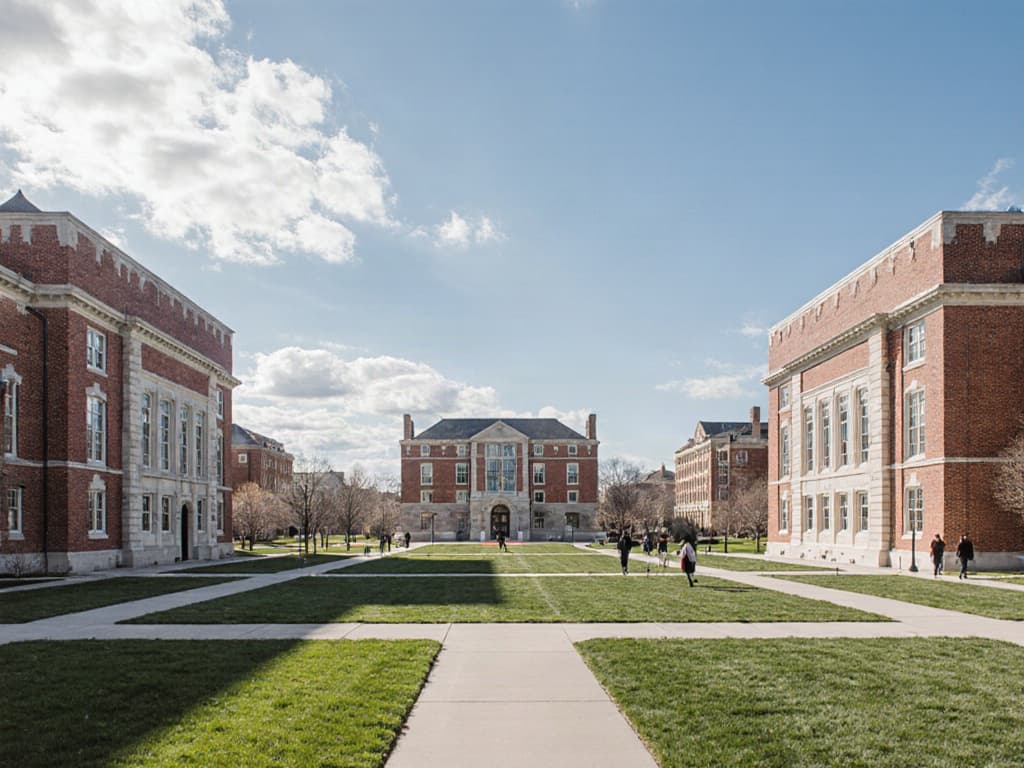
Illustrative photo.
Who uses it
Built for everyone who touches a building
Facilities directors and managers
Directors and facilities managers triage new requests, assign work, watch what is overdue and build the capital case from the same data.
Technicians
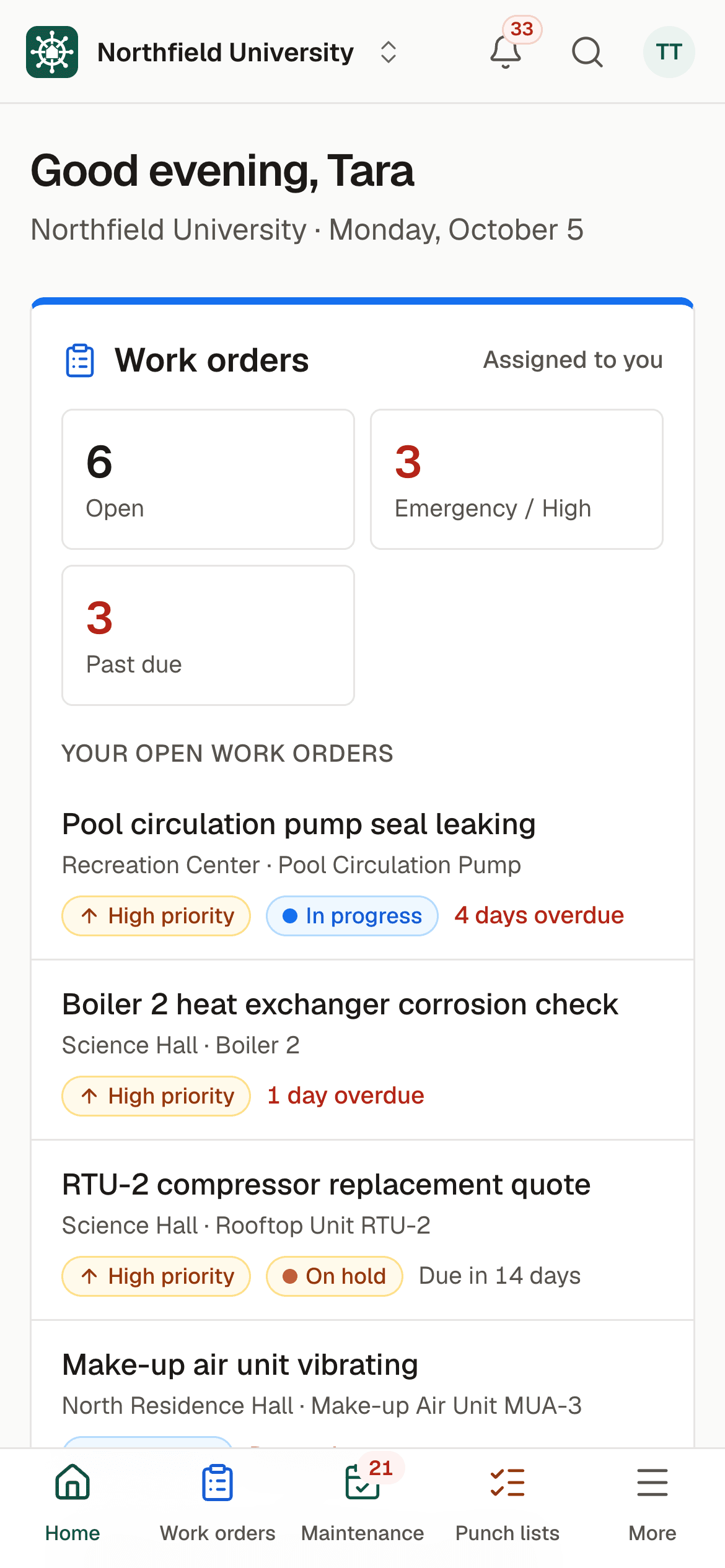
Technicians work from their phones: open work orders, log hours, parts and photos, and complete jobs with large buttons and a dark mode for dim mechanical rooms.
Contractors
Contractors see only the work assigned to their company, log their own hours and photos, and use BldgHelm free.
Finance and leadership
Finance and leadership get a read-only Viewer role, with the capital plan, FCI and cost reports in PDF or Excel for budget meetings.
FAQ
Frequently asked questions
What is higher education facilities management software?
How is BldgHelm different from a general maintenance system?
Can we import our existing spreadsheets?
Does it connect to our finance or ERP system?
Is there a phone app, and do you support single sign-on?
Do you have a SOC 2 report?
Keep reading
Related solutions
- Campus work ordersQR-code reporting, a single queue, and every job tracked to closing.Read more
- Preventive maintenanceRecurring schedules, reminders and a clear list of what is overdue.Read more
- FCI and capital planningDeferred maintenance, FCI by building and a replacement plan by year.Read more
- Contractor portalOne vendor login across campuses, with access limited to assigned work.Read more
See your campus in BldgHelm.
A walkthrough of the three workflows with sample data, and a plan for bringing over your buildings, equipment and schedules.
Already a pilot campus? Create your account.