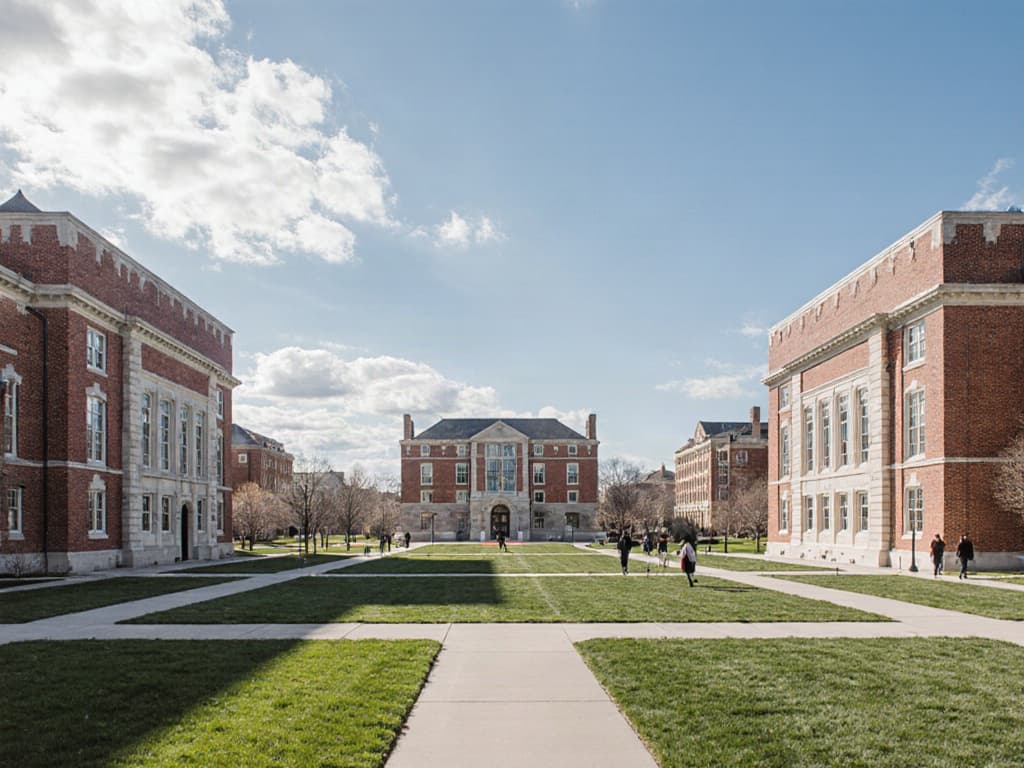
Capital planning
Facility condition index and capital planning for campuses
Turn equipment age, condition and cost into the numbers a capital request needs: a deferred maintenance backlog, the Facility Condition Index for every building and a replacement plan for the next five to ten years.
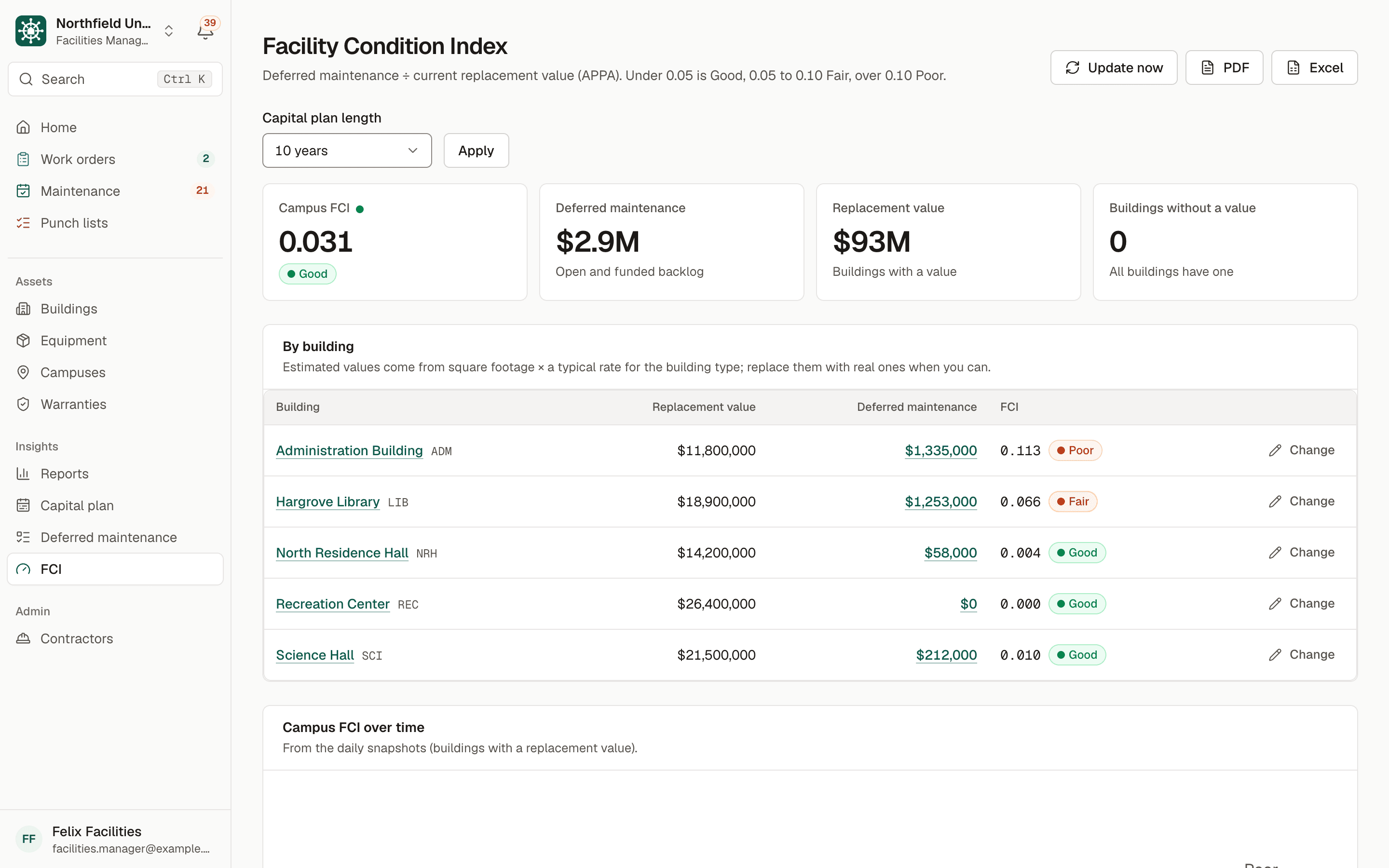
Sample data. Northfield University is a fictional campus.
The problem
Capital requests that arrive without evidence
Capital dollars are competitive. A request for a boiler or a roof lands in front of finance, the president or a board, and the first questions are always the same: how bad is it, how much is the whole backlog, and what is coming next year. Without records, the answer is a walk-through, a consultant or a spreadsheet assembled the week before the meeting.
The surprises are the expensive part. A chiller fails and its replacement was not in anyone's plan, because nobody had an installed date, a useful life and a cost estimate in the same place.
The Facility Condition Index, or FCI, gives the conversation a common measure. It comes from APPA and is the convention in higher education facilities: FCI equals deferred maintenance cost divided by current replacement value. Under 0.05 is rated Good, 0.05 to 0.10 is Fair, and over 0.10 is Poor. For example, a building worth $10 million with $400,000 of deferred maintenance has an FCI of 0.04, which is Good.
How BldgHelm handles it
From daily records to a defensible capital plan
The same equipment records your team keeps every day feed the plan. BldgHelm adds the cost side: replacement estimates, quotes, a backlog and building replacement values.
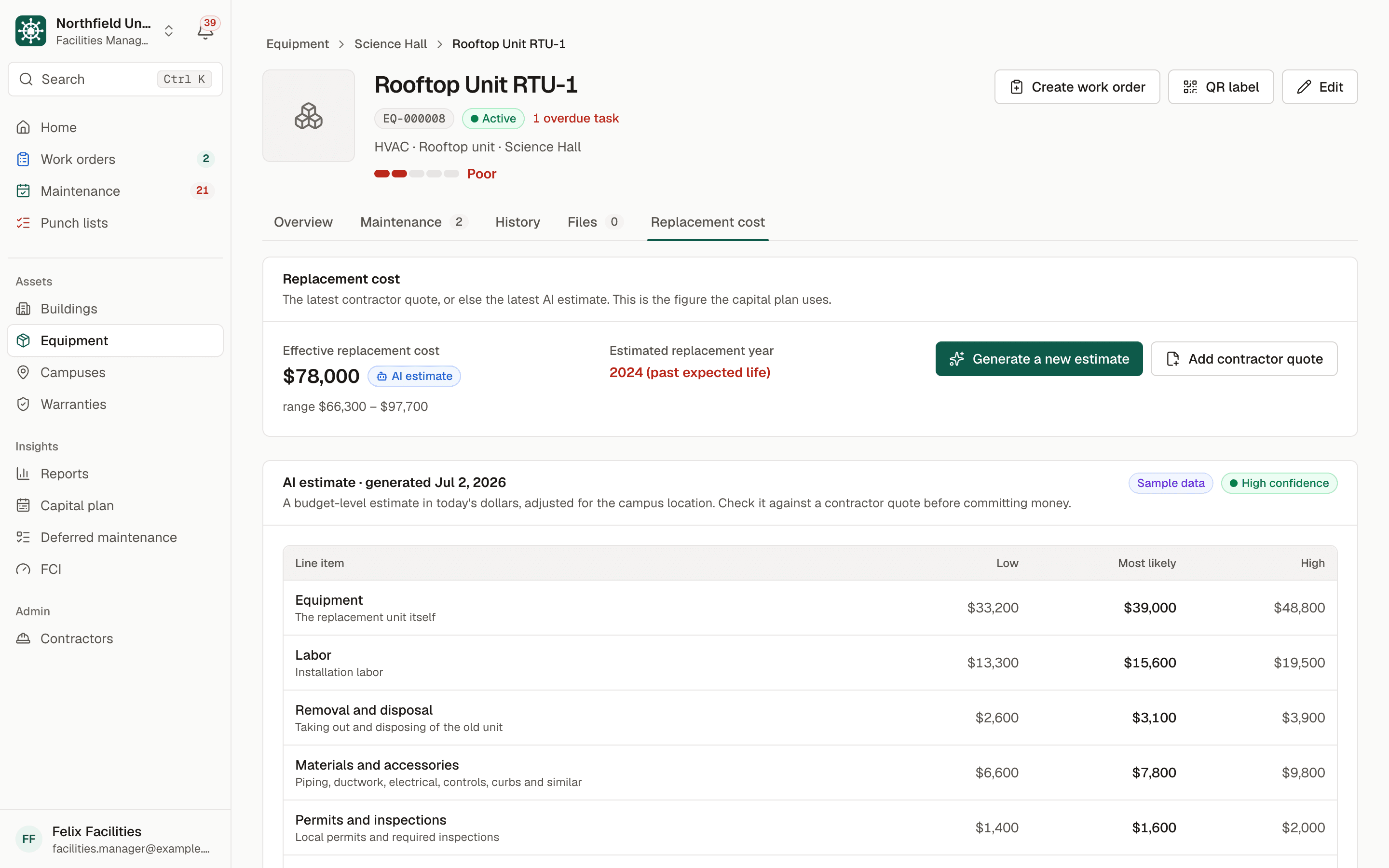
Deferred maintenance backlog
List unfunded work by building, with an optional equipment or room, description, estimated cost, priority (Life Safety, Code Compliance, Mission Critical or Deferrable), year identified and status (Open, Funded or Completed).
Suggestions from your records
Equipment past its useful life, or rated condition 1 or 2, is suggested for the backlog. Accept items one at a time or in bulk, or add them from a work order or punch item.
FCI by building and campus
FCI counts open and funded items, and completed items drop out. Buildings without a replacement value are listed and left out of the campus figure. Daily snapshots show the trend over time.
Replacement value you control
Enter each building's current replacement value, or let the app estimate it from square footage and building type. Estimated values are always labelled as estimated.
AI replacement estimates, clearly labelled
From any equipment page, generate a budget-level estimate with low, likely and high totals, line items for equipment, labor, removal, materials, permits, design and contingency, assumptions and a confidence level, adjusted for your campus location. Each is marked as an AI estimate with its date and is saved, never overwritten.
Contractor quotes take priority
Enter an actual quote next to the estimate. When a quote exists, it replaces the AI estimate in the capital plan and the backlog.
Capital plan by year
Equipment by estimated replacement year, which is install date plus expected useful life, together with backlog items in their planned year, totalled by year, building and priority for five or ten years.
Export for the meeting
Export the capital plan and FCI report to PDF or Excel for budget meetings and board presentations.
How it works
From setup to a working routine
Step 1: Enter replacement values
Add a current replacement value to each building, or accept an estimate from square footage and building type and refine it later.
Step 2: Record age, life and condition
Each piece of equipment carries an install date, expected useful life and a condition rating from 1 to 5.
Step 3: Estimate or quote replacement costs
Generate an AI estimate for budgeting, and add contractor quotes as you collect them.
Step 4: Build the backlog
Review the suggestions, add items from work orders and punch lists, and set a priority and planned year.
Step 5: Read the FCI and the plan
See each building rated Good, Fair or Poor, then the year-by-year plan, and export it.
Condition data improves with preventive maintenance and punch list records feeding the backlog. Request a demo to see an FCI report with sample data.
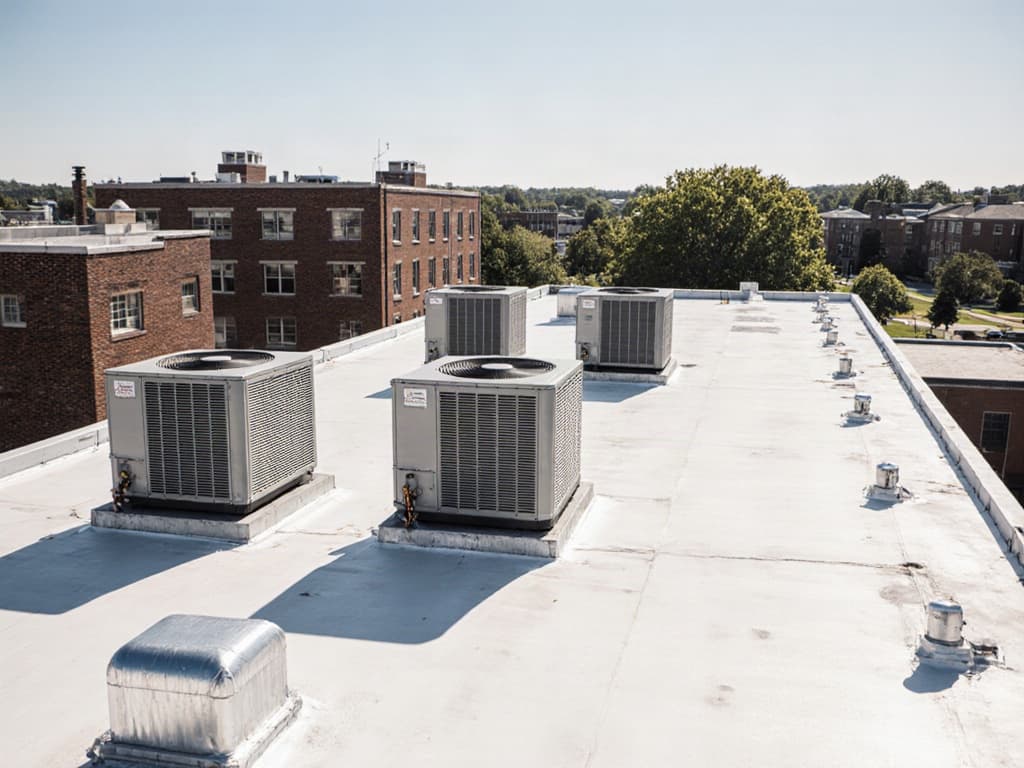
Illustrative photo.
Who uses it
Built for everyone who touches a building
Facilities directors and managers
Directors and facilities managers maintain values, review suggestions, generate estimates and own the backlog and plan.
Technicians
Technicians do not see costs. Their condition ratings, work orders and punch items give managers the facts that feed the backlog.
Contractors
Contractors see none of this. A quote is entered by your team, and estimates, the backlog and FCI are never visible to vendors.
Finance and leadership
Finance and leadership use the read-only Viewer role to read the capital plan and FCI, and take the PDF or Excel exports into budget meetings.
FAQ
Frequently asked questions
What is the Facility Condition Index?
What counts as a good FCI?
How accurate are the AI estimates?
Does this replace a facility condition assessment?
Do we need a replacement value for every building?
Who can see costs and estimates?
Keep reading
Related solutions
- Preventive maintenanceRecurring schedules, reminders and a clear list of what is overdue.Read more
- Compliance inspection trackingCode-required inspections, results and certificates in one audit-ready report.Read more
- Punch listsPhoto capture on a phone, assignment, verification and PDF or Excel export.Read more
- Facilities management softwareThe whole platform: every building, asset, repair and inspection on campus.Read more
See your campus in BldgHelm.
A walkthrough of the three workflows with sample data, and a plan for bringing over your buildings, equipment and schedules.
Already a pilot campus? Create your account.