Contractor portal
Contractor portal for facilities teams
Give your elevator, HVAC, fire alarm and other vendors one login to record the work they do for your campus, while they see only what you have assigned to them.
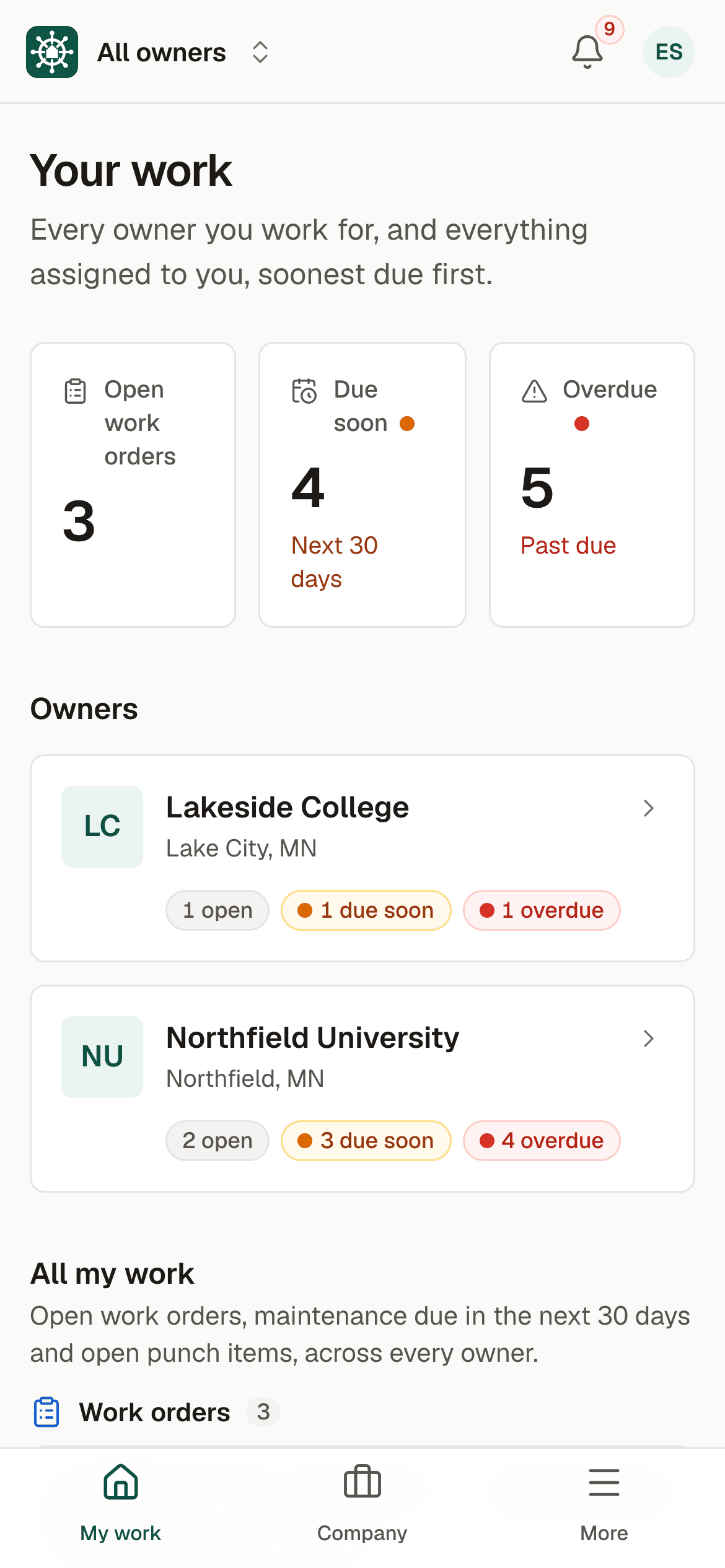
Sample data. Northfield University is a fictional campus.
The problem
Vendor work you cannot see
Outside contractors do some of the most important work on campus: elevators, fire alarm panels, chillers, roofs. It is often arranged by phone or email, and the record arrives days later as a PDF, if it arrives at all. Whether the visit happened, what was found and whether it is finished depends on who you ask.
Vendors who serve several campuses face the opposite problem. Each customer has its own system, its own login and its own rules, so many contractors stay with email and paper.
Access is the other worry. Giving a vendor a login to a shared system can mean exposing your costs, your warranties and other vendors' work. Insurance certificates sit in a folder and nobody notices when one lapses.
How BldgHelm handles it
Vendors work in your system, inside strict limits
BldgHelm treats contractors as a first-class kind of user. A company joins once and works for as many campuses as invite it.
One login across campuses
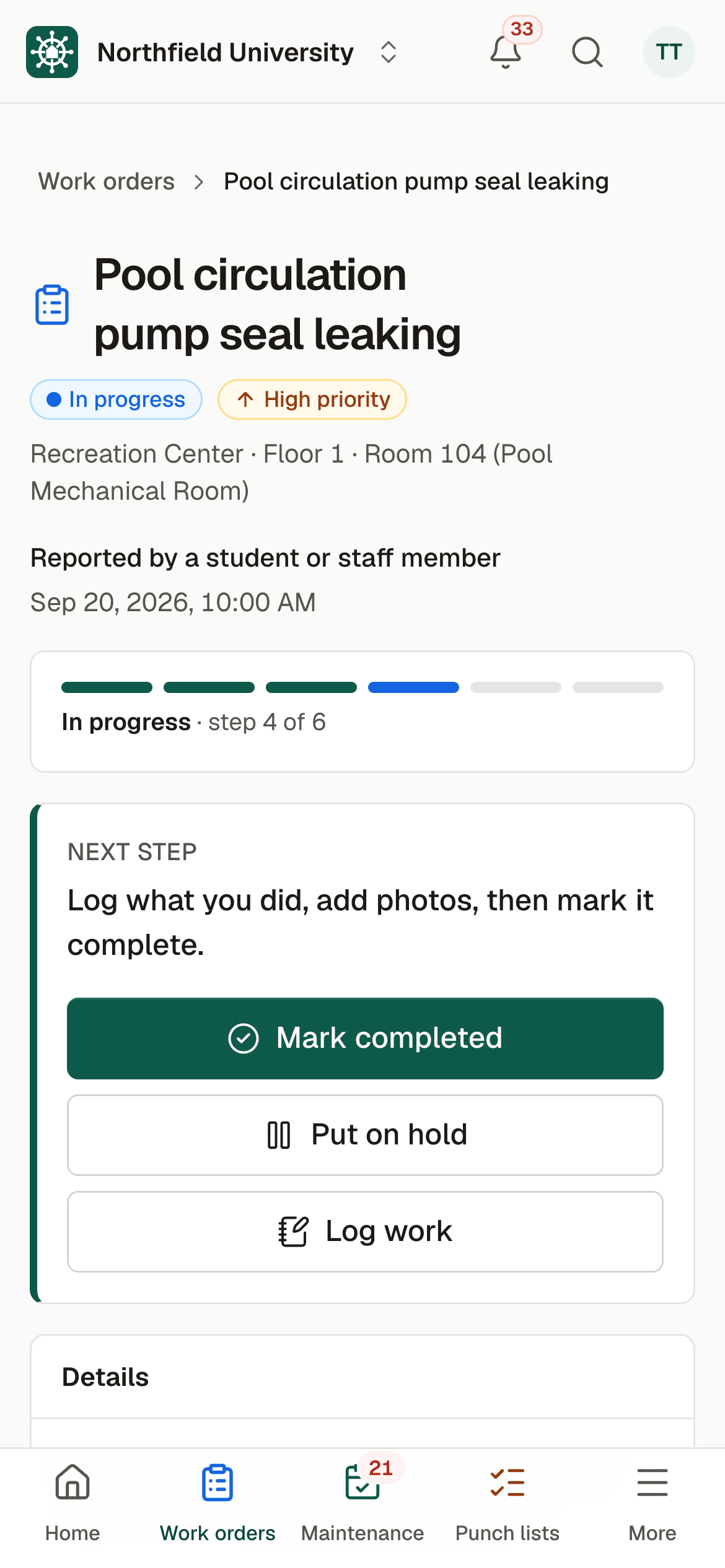
After signing in, a contractor sees a home screen listing every campus they serve, with open, due soon and overdue counts, plus an All my work list sorted by due date. A contractor linked to only one campus goes straight in.
Invite by email
An Owner Admin or Facilities Manager invites a company. If it is already on the platform, the invite links the existing company and no new account is made. The company's admin chooses which employees may work for you.
Assigned work only
Inside your campus a contractor sees only the work orders, maintenance tasks and punch items assigned to their company, and only while the link is active.
No costs, warranties or other vendors
Contractors never see your costs, warranties or AI estimates, or other contractors. Campuses never see each other, or which other campuses a contractor serves. The database enforces this, not just the screens.
Log work on the job
From a phone, a contractor records hours, notes and photos taken with the camera, and inspection results for the equipment they service.
Insurance on file
The company profile, including the insurance certificate and its expiration, is entered once and shared with every campus it serves. Each campus can see the insurance status, and reminders go out before a certificate expires.
Clear notifications
Notifications to contractors always name the campus the work is for.
Remove access at any time
When you stop working with a vendor, access ends, and the work they logged stays in your records.
How it works
From setup to a working routine
Step 1: Invite the company
Enter the vendor's email. If they already use the platform, their existing company is linked to your campus.
Step 2: They accept and choose their people
The company's admin accepts and picks which employees may work for you.
Step 3: Assign work to the company
Assign a work order, a maintenance task or a punch item. Employees are notified.
Step 4: They log the job
On a phone, they record hours, notes, photos and any inspection result.
Step 5: You keep the record
The history lands on the building, room and equipment, with the insurance status alongside.
Vendor-performed inspections also feed your compliance reports. Request a demo and we will show the contractor home screen and what a vendor does and does not see.

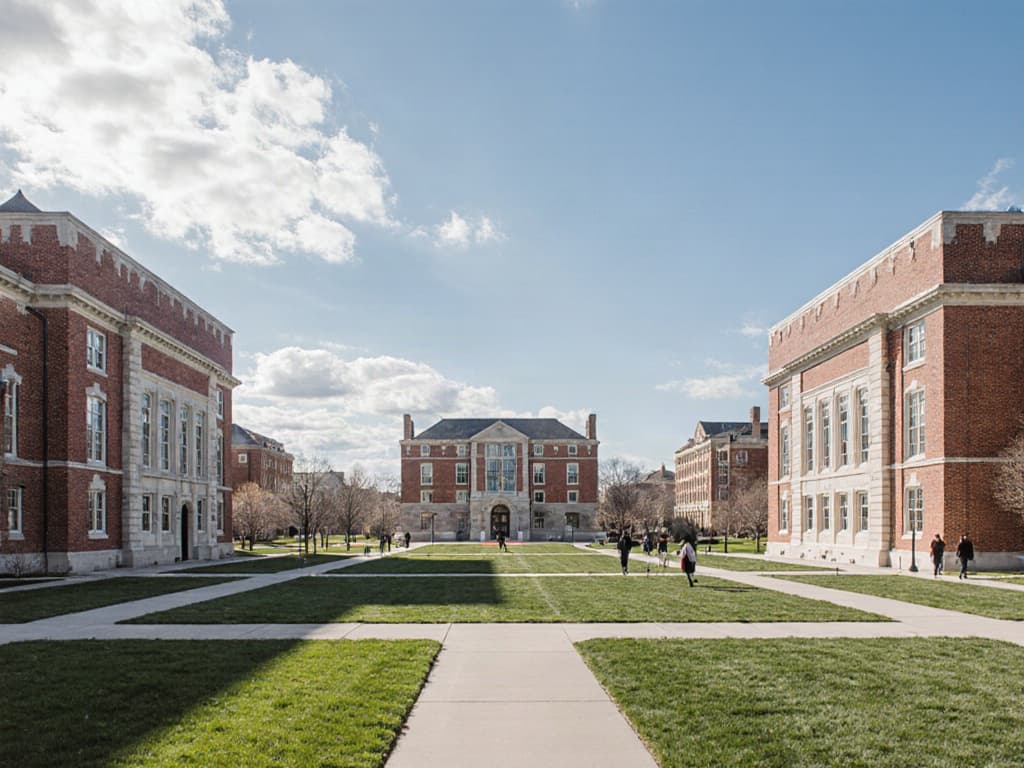
Illustrative photo.
Who uses it
Built for everyone who touches a building
Facilities directors and managers
Owner Admins and Facilities Managers invite vendors, assign work, review what was logged and keep an eye on insurance status.
Technicians
Your own technicians work in the same queues as contractors, with the same records, so history is never split between systems.
Contractors
Contractor Admins manage the company profile and employees. Contractor technicians log work. BldgHelm is free for contractors.
Finance and leadership
Viewers see the records your team keeps. Contractors cannot see your costs, and finance does not need to chase vendors for paperwork.
FAQ
Frequently asked questions
Do contractors have to pay?
What can a contractor see?
Can one vendor work for several campuses with one login?
What happens when we end a relationship with a vendor?
Do vendors need to install an app?
Keep reading
Related solutions
- Campus work ordersQR-code reporting, a single queue, and every job tracked to closing.Read more
- Compliance inspection trackingCode-required inspections, results and certificates in one audit-ready report.Read more
- Punch listsPhoto capture on a phone, assignment, verification and PDF or Excel export.Read more
- Facilities management softwareThe whole platform: every building, asset, repair and inspection on campus.Read more
See your campus in BldgHelm.
A walkthrough of the three workflows with sample data, and a plan for bringing over your buildings, equipment and schedules.
Already a pilot campus? Create your account.