Maintenance
Preventive maintenance software for universities
Schedule recurring maintenance across every building, assign it to a technician or a contractor, and see in one list what is overdue, what is due soon and how reliably your team finishes on time.
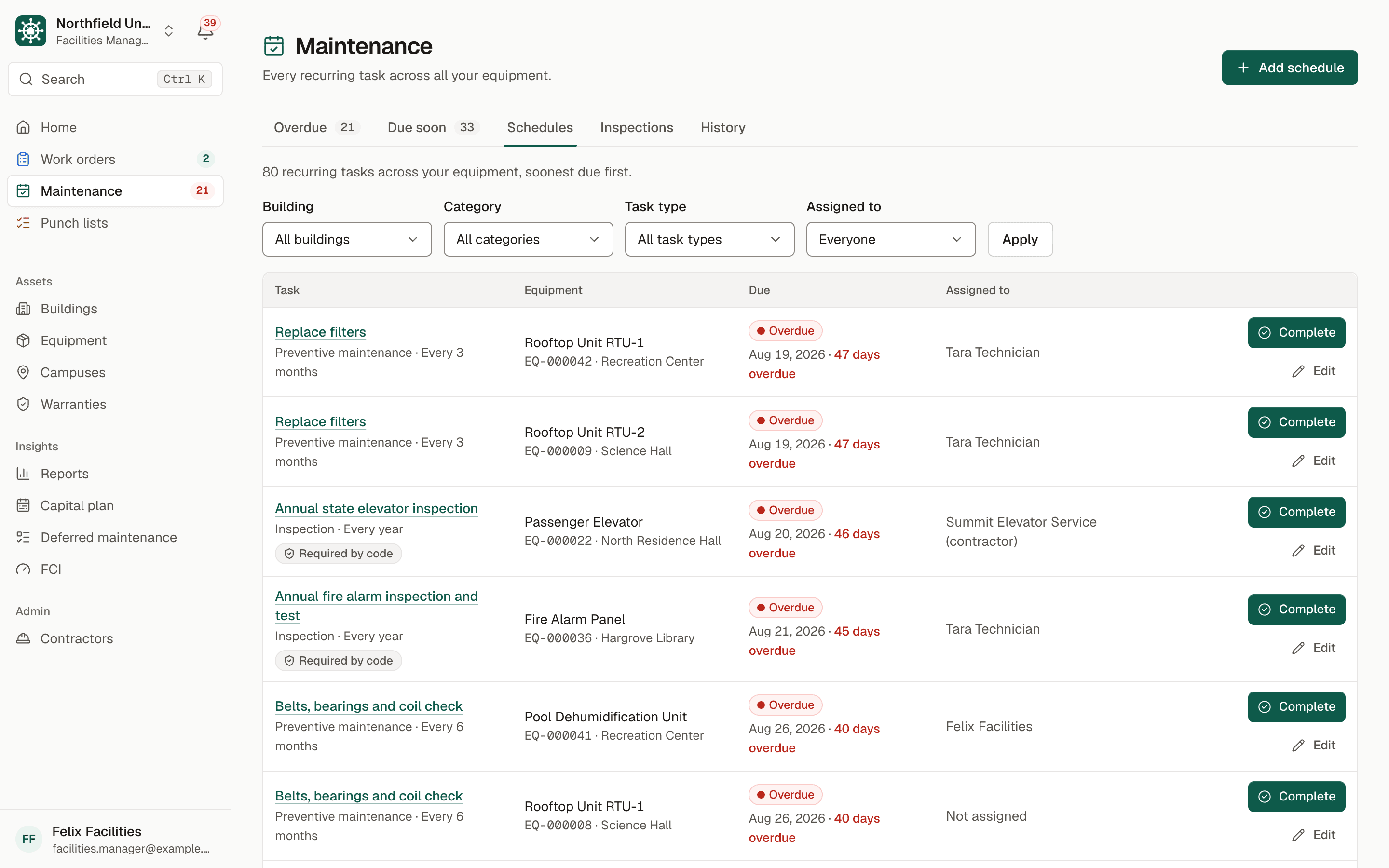
Sample data. Northfield University is a fictional campus.
The problem
Preventive maintenance that depends on memory
Filters get changed when someone remembers. Belts and bearings are checked when a unit starts to squeal. On many campuses the schedule lives in a spreadsheet or a calendar owned by one person, and when that person is out, the work quietly stops.
The equipment is varied: rooftop units, boilers, chillers, elevators, generators, fire alarm panels and roofs. Some of the work is done by your own technicians and some by vendors under contract. Nobody has a single view of what is due this month across every building, or of what was done last time.
Skipped preventive work does not disappear. It shows up later as a failed unit, an emergency call and a replacement nobody budgeted for. Leadership asks how well the team keeps up, and without records the honest answer is a guess.
How BldgHelm handles it
Every recurring task, on every asset, with a record of each one
BldgHelm attaches maintenance tasks to the equipment itself, so the schedule, the history and the person responsible live in the same place.
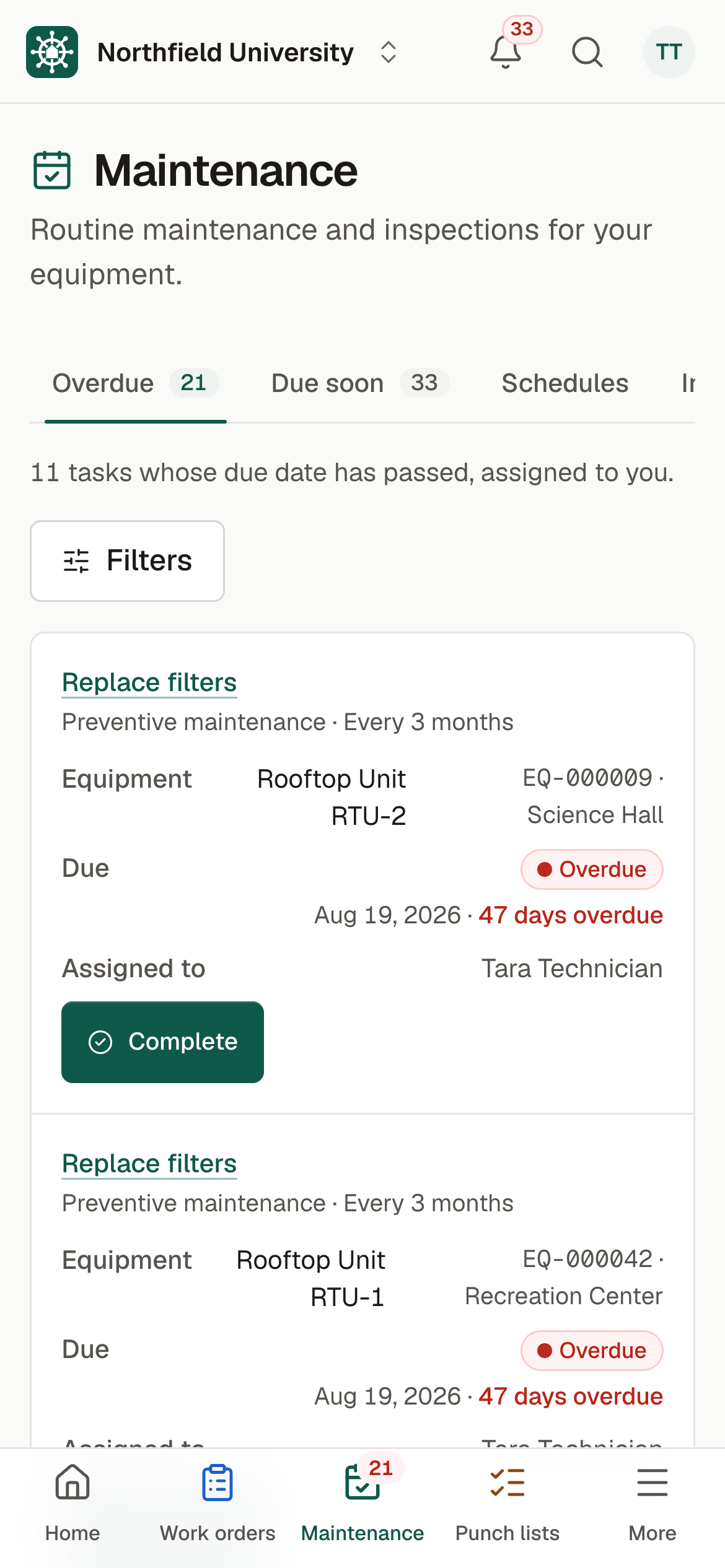
Recurring schedules
Add tasks such as "Replace filters, every 3 months" or "Belts, bearings and coil check, every 6 months". Frequencies run in days, weeks, months or years, with optional checklist steps.
The next due date moves itself
When a task is completed, the next due date moves forward automatically, so nobody re-enters the schedule.
Maintenance and inspections
Each task is either preventive maintenance or an inspection, and can be marked as required by code. See compliance inspection tracking.
Staff or vendors
Assign a task to a technician or to a contractor company. Vendors complete it from their phones through the contractor portal.
Due soon and overdue lists
Due soon covers the next 30 days. Both lists filter by building, category and assignee, and technicians start on the tasks assigned to them.
Daily reminders
A daily check sends reminders by email and in the app before a task is due, and again when it is overdue. By default reminders go out 14 and 3 days ahead, and an Owner Admin can change that. Each person chooses what they receive.
A record every time
Completing a task logs the date, who did it, hours, parts, cost and photos, plus a Pass, Fail or Needs follow-up result for inspections. The equipment page keeps the history, newest first.
On-time completion rate
Reports show how often tasks are finished on time, by building, so you can see where the schedule is slipping.
Warranty conditions
If a warranty requires an annual inspection, link the schedule to the warranty so the required work is never missed.
How it works
From setup to a working routine
Step 1: Get your equipment in
Import equipment from a spreadsheet with a template and preview, or add it one piece at a time. Print QR labels so a scan opens the asset.
Step 2: Add schedules to each asset
Choose a task, a frequency, a first due date and an assignee. Mark code-required inspections as such.
Step 3: Let the daily check do the nagging
Reminders go to the assigned person and to facilities managers when work is coming due or overdue.
Step 4: Complete tasks from the phone
Follow the checklist, log hours, parts and photos, and record an inspection result. The next due date resets.
Step 5: Review overdue work and the on-time rate
Work through the overdue list by building, and use the report to see where capacity or vendor performance needs attention.
Maintenance findings can become work orders, and neglected assets feed the backlog behind capital planning. Request a demo to walk through a maintenance schedule with sample data.
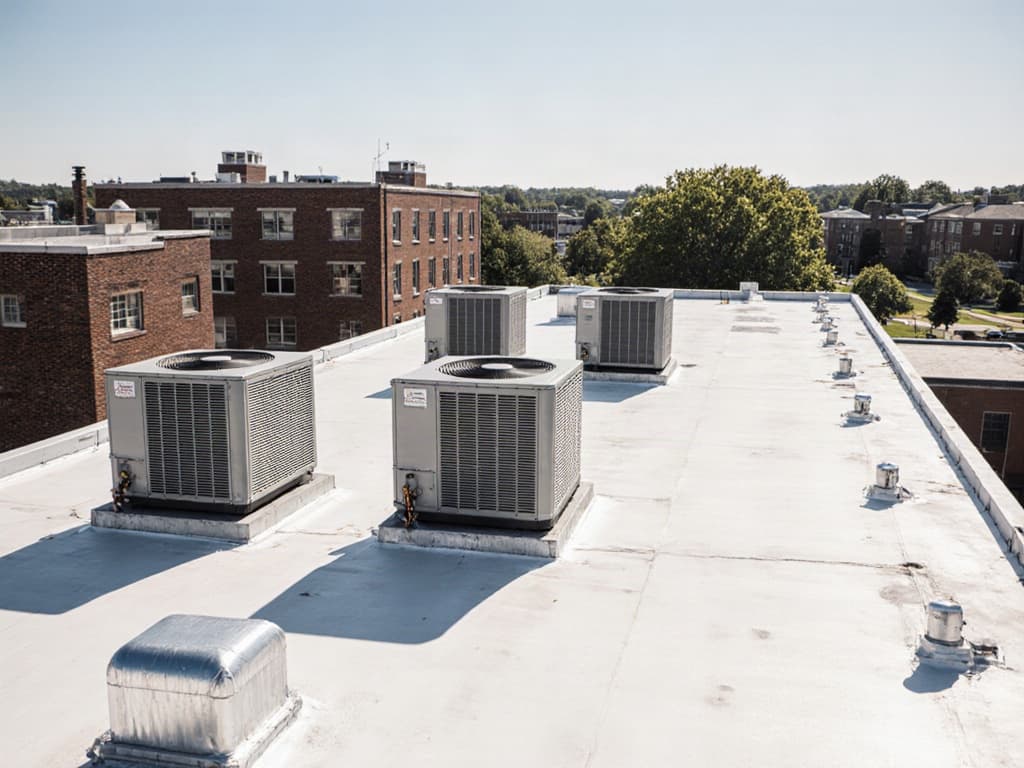
Illustrative photo.
Who uses it
Built for everyone who touches a building
Facilities directors and managers
Facilities managers set the schedules, assign them, watch the overdue list and report on-time completion by building.
Technicians
Technicians open their assigned tasks on a phone, work through the checklist, log what they did and attach photos.
Contractors
Vendors completing elevator, fire alarm or HVAC work log their own visits and results, and see only the tasks assigned to their company.
Finance and leadership
Viewers can read maintenance history and reports. Cost totals are visible only to roles allowed to see costs, never to technicians.
FAQ
Frequently asked questions
What is preventive maintenance software?
Can schedules be triggered by run hours or meter readings?
Can technicians complete tasks from their phones?
How are vendor-performed tasks handled?
What happens when a task is overdue?
Can we keep warranty requirements on schedule?
Keep reading
Related solutions
- Compliance inspection trackingCode-required inspections, results and certificates in one audit-ready report.Read more
- Campus work ordersQR-code reporting, a single queue, and every job tracked to closing.Read more
- FCI and capital planningDeferred maintenance, FCI by building and a replacement plan by year.Read more
- Facilities management softwareThe whole platform: every building, asset, repair and inspection on campus.Read more
See your campus in BldgHelm.
A walkthrough of the three workflows with sample data, and a plan for bringing over your buildings, equipment and schedules.
Already a pilot campus? Create your account.